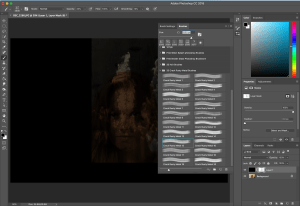
I used the same process as my previous post to edit this image; whereby I selected the image I wanted to edit, created a new layer, and then painted it black after setting the foreground colour as black. I then added layer/vector mask to the new layer.


once again I selected the brush I wanted from the set I had downloaded, this was ‘crack rusty metal 15’. This brush allowed me to reveal part of the image below the black layer. After painting the original image into he black layer, selecting the levels adjustment allowed for the colours to be corrected in the image.
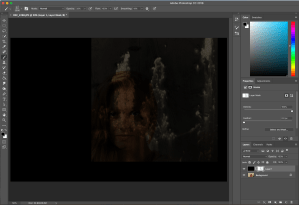
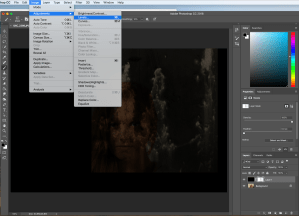
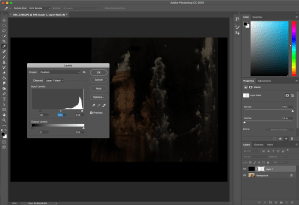
To make the image more interesting a colour gradient was added to the original layer by selecting the gradient, and setting it to ‘colour’ instead ‘normal’.


Then to draw attention to the focus of the image: the eye, I removed the colour from it using another brush.


This is my final image and the original:


This edit adds interest to an otherwise boring image. The colour layered onto the face causes the eye of the model to stand out. The pattern of the paint brush adds depth and texture to the photo.
While this is not my favourite edit, I prefer it to my first edit. I would have preferred for more of the models eye to be on show, which would draw focus to that area of the face more.
 Nicole Wood L3 photography