I used the clone stamp to create the following edit; this involves copying certain areas of a photo onto other areas of the same, or a different, photo.
To begin I selected the image I wanted to change and opened it in photoshop. Next, I opened another photo of what I wanted to copy on another page. I also adjusted the colours of the portrait as well to eliminate the orange tones in the face.


After opening both pages, I used the clone stamp tool, in a large size, to copy the sunset of one photo into the background of my selected portrait photo.
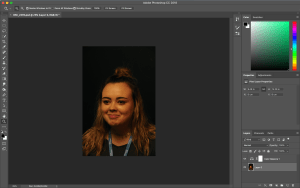
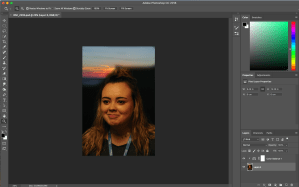
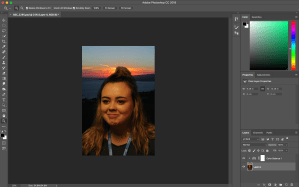
Following this, I used the tool again in the smallest size to fill in the spaces between the individual hairs sticking up.
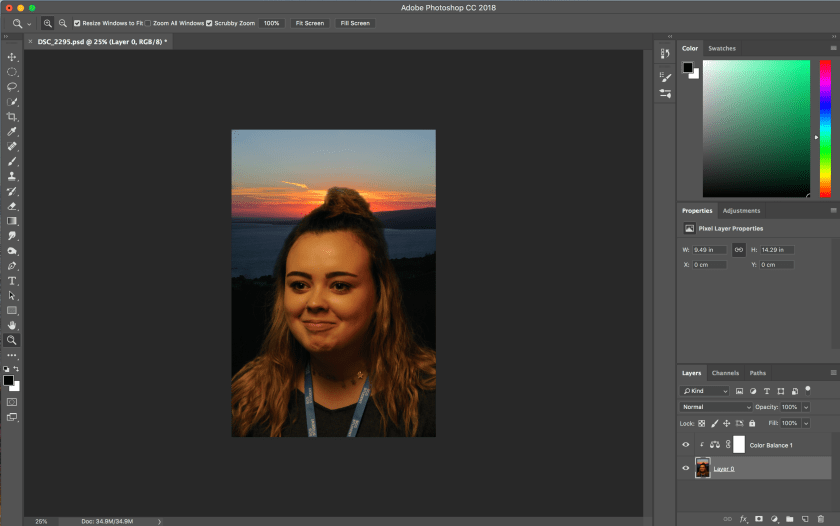
This is my finished edit:

I like this edit as it adds some interest and extra colour into the previously rather boring photo. However, I don’t like how the edit clearly looks fake. I wouldn’t select this edit as one of my best, although it is a good first try.
The edit used a background of a sunset taken during the summer, and a portrait shot indoors using low key lighting.
 Nicole Wood L3 photography