
I used the clone stamp, again, to create this edit; this involves copying certain areas of a photo onto other areas of the same, or a different, photo.
To start I opened the image I wanted to edit in photoshop.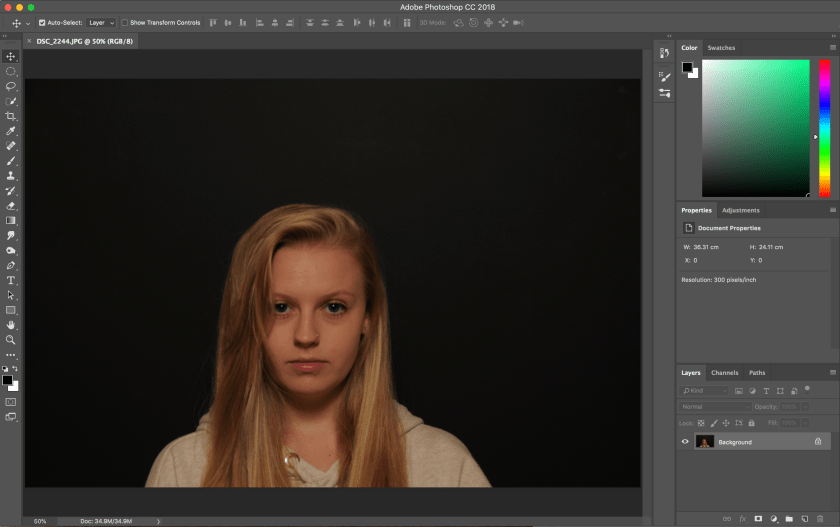
Secondly, I set the clone stamp tool to the size I wanted which was relatively small. I then proceeded to use the stamp to cover the dark under eyes, spots, and lines to smoothen out the face.
This is my finished edit, against my original image:


This is my favourite use of the clone stamp tool as it looks realistic and not overly edited. I have only removed the unwanted parts of the face, i.e. the dark circles under the eye.
To further edit this image I would use layer masks to add interesting shapes and colours into the face of the subject.
 Nicole Wood L3 photography